
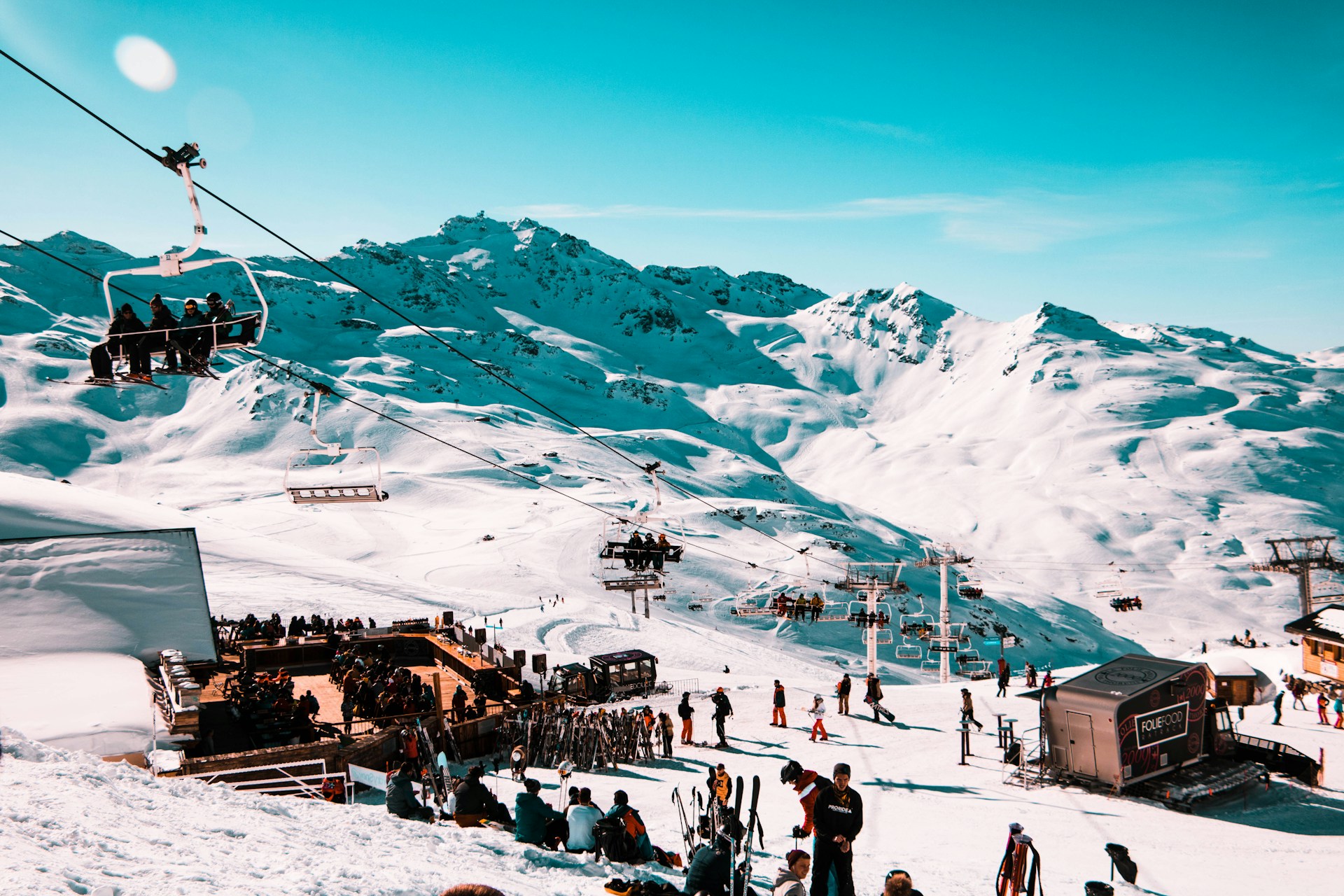
You leave the lodge as a group of six. By the second run, two are on the blue cruiser, one went through the singles line, and the snowboarder is sitting at the top of a lift that's already taking everyone else somewhere else. Somebody takes a glove off in the wind to type "where are you?" and gets no answer, because everyone else is moving downhill.
It happens to every ski group, usually before the first coffee break. Some of it you can't avoid, but you can make finding each other again a lot quicker than standing at the bottom of a lift, scanning every helmet that comes down.
Why ski groups split up so easily
At a festival everyone stands in one field. A ski resort is a whole network of lifts and runs, and the same few things break a group apart every day.
People ski at different levels, so the beginner and the expert are on different runs from the start. The lifts don't fit your group either: a quad chair takes four and you're six, and the singles line is faster, so someone takes it. Then there's "meet me at the bottom", which doesn't mean much when three runs end at three different lifts. And all it takes is one person stopping to fix a binding while the rest carry on, and you're a run apart.
If you could see where everyone is, none of this would matter much. The problem is that the usual way to find out is a phone call, and nobody answers the phone halfway down a run.
Resort apps vs. one shared map
Many big resorts have their own app, and some include a friend finder. They're good for lift status and trail maps, but finding friends with them has a few catches:
- They only work at that resort. Next season, at a different mountain, everyone downloads a new app and sets up a new account.
- Everyone needs the same app and an account, including the friend who only decided to come the night before.
- They're built around skiing, not around the parts of the trip that happen off the slopes: the drive up, the hotel, the restaurant in the village.
A general live location app works the same way at every resort. With OnTime, one person creates a Radar for the trip and drops the link in the group chat. Friends with iPhones join with a 6-letter code, and anyone else can open the link in their browser and share their location from there, no download needed. Handy when half the group is on Android or only signed up for the trip last week.
Make the lodge, the lift and the car into stops
Before the first lift, add the places you'll keep coming back to as stops on the Radar: the lodge or restaurant where you'll have lunch, the base of the main lift as your default meeting spot, and the parking lot or bus stop for the end of the day.
Now everyone can see their distance to the next stop and when each person arrives. When someone reaches the lodge, they tap "I'm here" and everyone else knows the table is taken, even if a weak signal in the valley makes their dot look like it's still on the slope.
Split up on purpose, regroup at fixed times
Trying to keep six people of different levels together all day usually ends with someone bored and someone scared. It's easier to split up by level, let everyone ski what they like, and meet at set times. For example:
- Morning: everyone skis their own runs.
- 12:30 at the lodge: lunch together, no matter where you are.
- After lunch: pick one or two easy runs everyone can do together.
- 3:30 at the main lift: last run as a group, then down to the car.
Between those times, the map does the work. If the expert crew wants to join the beginners for a run, they can see which lift they're on and catch them at the top, without five phone calls.
Each person's trail is useful too. If someone's dot hasn't moved in twenty minutes, they're either having a long hot chocolate or they need help. Either way, give them a call.
Keeping your phone alive in the cold
Cold is hard on phone batteries. Apple says iPhones work best between 0° and 35°C (32° to 95°F). Below that, the battery drains faster, and some phones switch off even with charge left. The battery usually comes back once the phone warms up, which doesn't help when you need it on the chairlift.
Keep your phone in an inside pocket, close to your body, not in the outer pocket of your jacket or in your backpack. Turn on Low Power Mode in the morning, not when you're down to 10%. On the lift, check the Lock Screen instead of unlocking: OnTime's Live Activity shows your distance to the next stop there, so your gloves stay on. And if you bring a power bank, keep it in an inside pocket too, since a cold power bank doesn't charge much better than a cold phone.
Signal on the mountain
Signal at a ski resort changes from one run to the next. The top of the mountain often has a clear line to a mast, while valleys, tree runs and the far side of a ridge may have none.
When data drops, the map shows where each person was last seen, which is usually enough to work out which lift they're near. Texts often get through when apps and calls don't, so a short message like "top of chair 4, waiting" is a good backup. And if all else fails, everyone knows to be at the lodge at 12:30.
What a location app can't do
A shared map helps you find your friends on the mountain, but it's not a safety device. Phones lose signal, batteries die in the cold, and GPS doesn't work under snow.
If you go off-piste or into the backcountry, everyone needs an avalanche transceiver, a probe and a shovel, and the training to use them. On the groomed runs, save the resort's ski patrol number in your phone before you go up.